
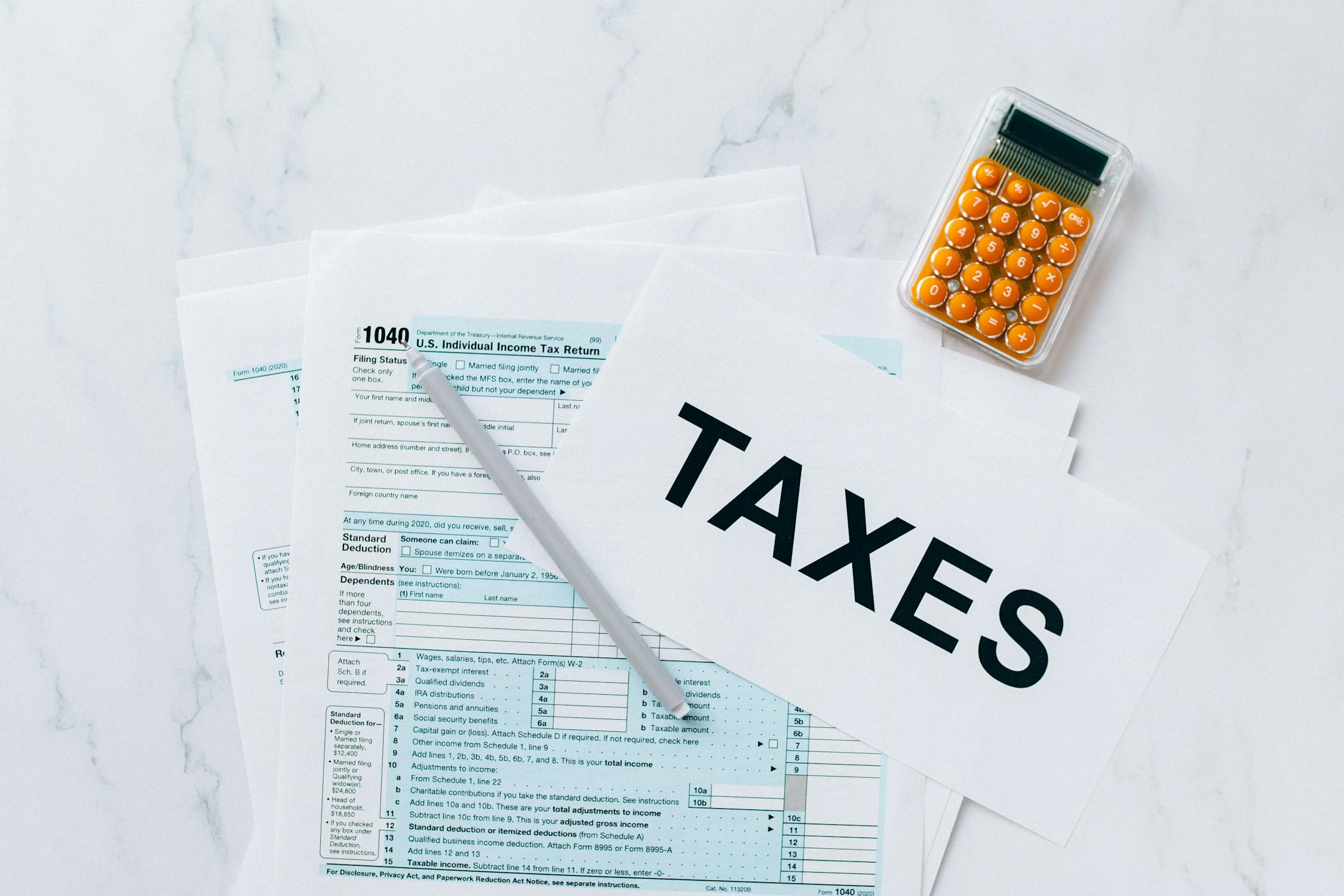
Most businesses’ short answer is yes, but there’s a little more to it if you want to ensure that you’re doing things properly. As a business owner, you’re going to be required to submit regular VAT returns through your financial year. This used to be onerous and time-consuming, but now it’s never been easier to submit your return and keep your business compliant and running smoothly. If you don’t know where to start, we’ve got you covered as we go through everything you need to know about filing a VAT Return online.
What is the purpose of a VAT Return?
Let’s begin with the fundamentals, Value Added Tax (VAT) is a sales tax charged on the price of various goods and services in the United Kingdom, as well as the prices of goods and services from other taxable providers. Most goods and services are subject to a standard VAT rate of 20%, however, there are some specific tax categories that allow for a lower 5% rate or even a zero rate in some circumstances.
s must submit a VAT Return to Her Majesty’s Revenue and Customs (HMRC) on a quarterly basis. This is a summary – for the period in question – of your revenue and expenditure. By submitting this you will find out the amount of VAT you owe or are eligible to claim, for the period under review.
These days, you will need to file your VAT Return online through the official website of the UK government. If you have a VAT number already, it does not mean you can automatically use the online portal to file your VAT Return. To do this, you must first register for a Government Gateway ID. Once you have done this, you can complete the registration process to pay VAT. If you are a business, you may also need an authenticator device or app to be able to access your account. To start the process of filing your VAT Return, you will enter your Government Gateway ID and VAT number into the appropriate fields on the website.
The detailed guide to file your VAT Return
Some businesses choose to upload their VAT record spreadsheets directly to HRMC through bridging software. While this is a convenient way of doing things, it can also be useful to rather go through the manual process.
After logging in to the relevant section of the website, you will need to fill out a number of details on the online form. We detail these boxes below:
| Area | Required information |
| Box 1 | Any VAT due for the Return period from sales and other outputs. |
| Box 2 | Any VAT due for the Return period from acquisitions of goods made in Northern Ireland or from European Union Member States. |
| Box 3 | Sum of Box 1 and Box 2 |
| Box 4 | Any VAT that you want to reclaim for the period in question on purchases and other inputs (including acquisitions from the EU. |
| Box 5 | Automatically calculated to show the net VAT to pay HMRC or reclaim |
| Box 6 | Figure that covers the sales and any other outputs (excluding VAT) |
| Box 7 | Figure that covers purchases and all other inputs (excluding VAT) |
| Box 8 | This could be either:
|
| Box 9 | This could be either:
|
If you are using a VAT accounting scheme, you may need to supply different information from the example above. It’s important to check how this may change your Return before you begin the filing process.
I missed the VAT deadline, what happens now?
There’s no need to be alarmed if you’ve missed the deadline for submitting your VAT return. HMRC will keep track of any defaults, and if you only have one in a 12-month period, it is considered acceptable by the tax authority.
If you fail to make your payments on time for a second time, you will likely be charged a penalty fee. The fine or penalty amount will be determined by whether your is higher than or less than £150,000 that will determine the amount of the fine. The specific amount will depend on the amount of VAT still owed at the time of the calculation.
